Attendance Management System
Attendance Management System for Indian Businesses Track Every Punch From Anywhere
Track employee attendance from office, field, factory or home on any device. ZenFlowHR calculates working hours, late marks and short days for you, so HR spends less time on registers and Excel sheets.
Every Way Your Team Clocks In
Tracked in One Place
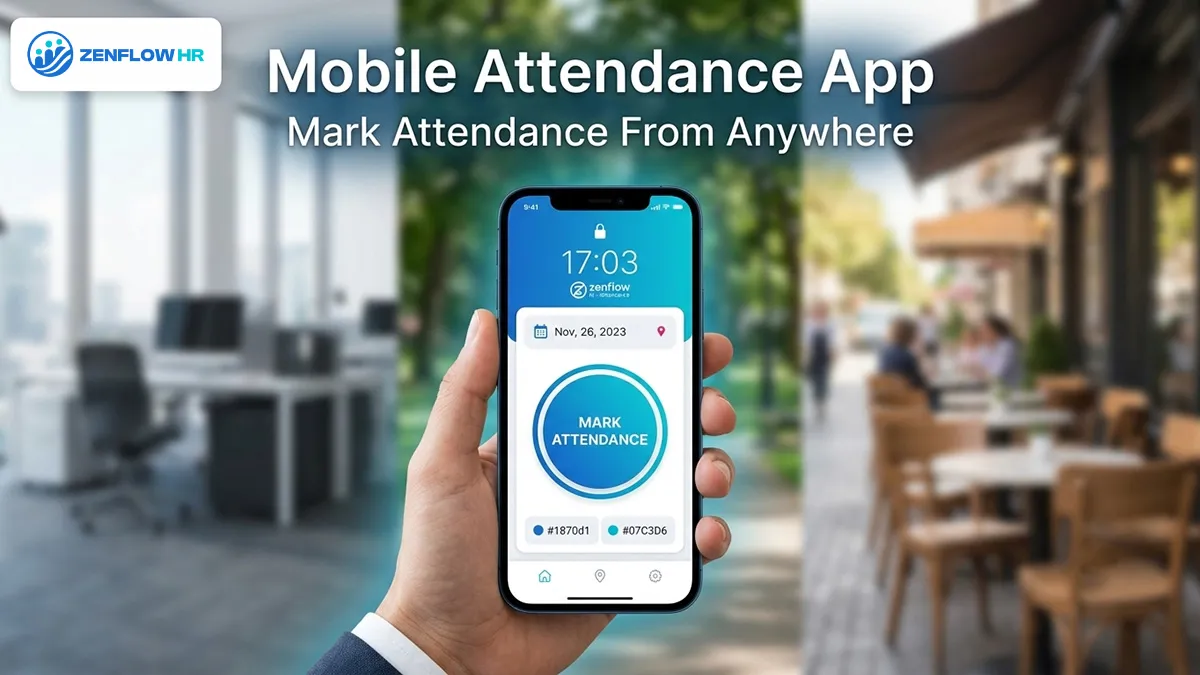
Mobile Attendance App for Employees on the Move
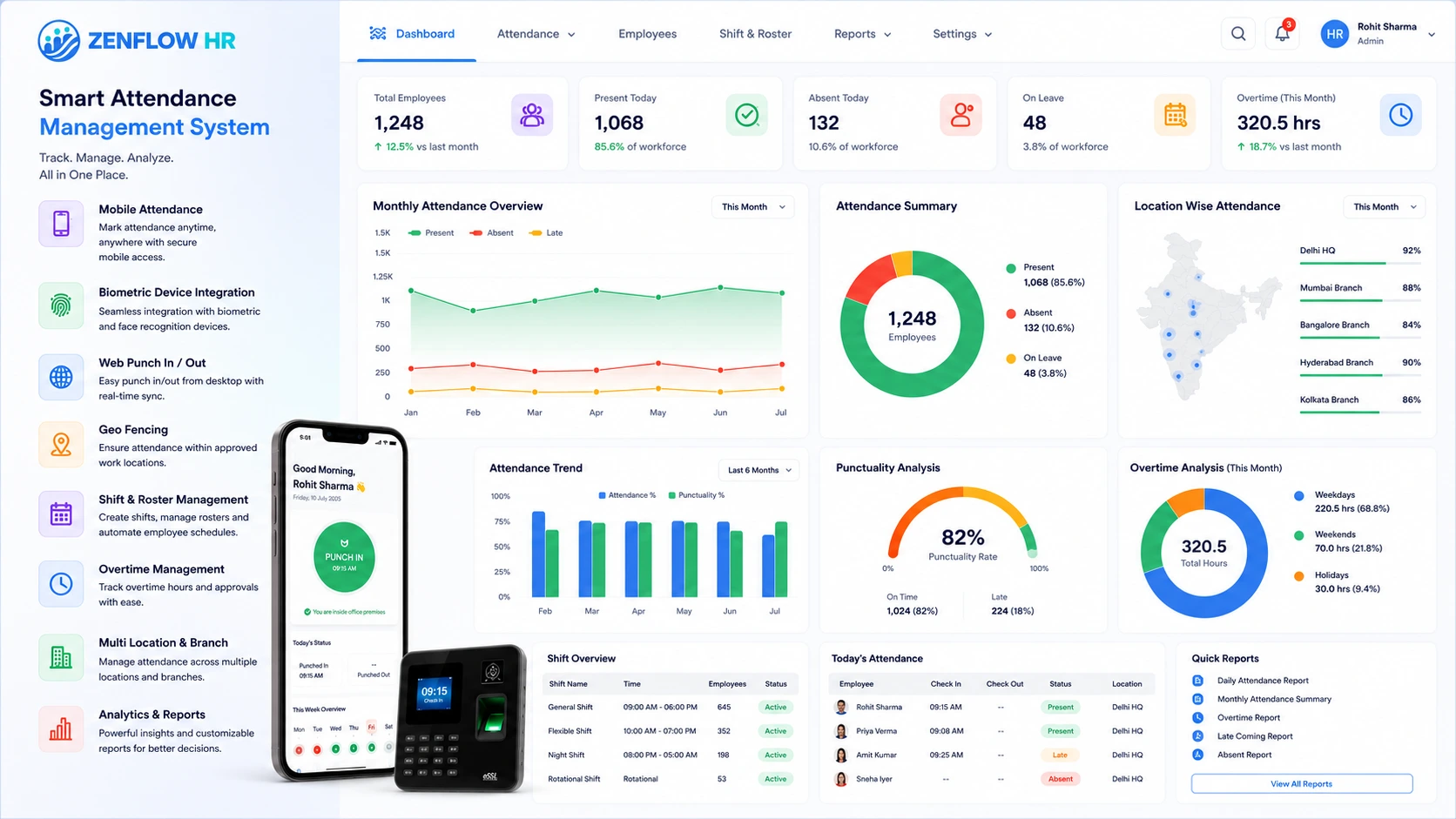
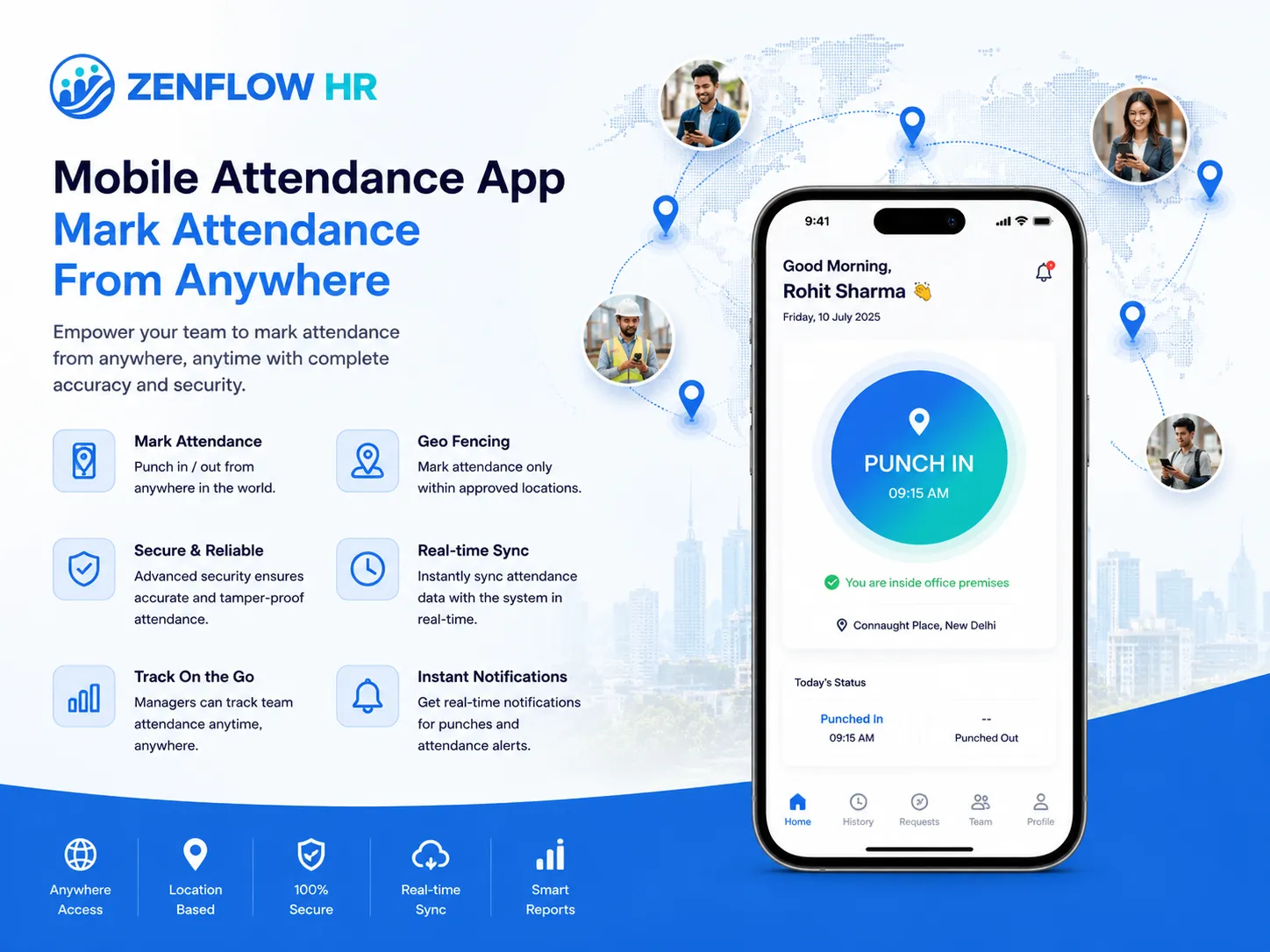
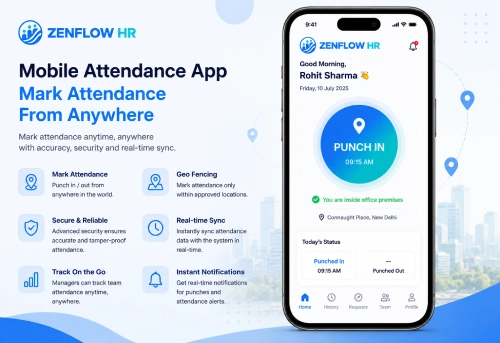
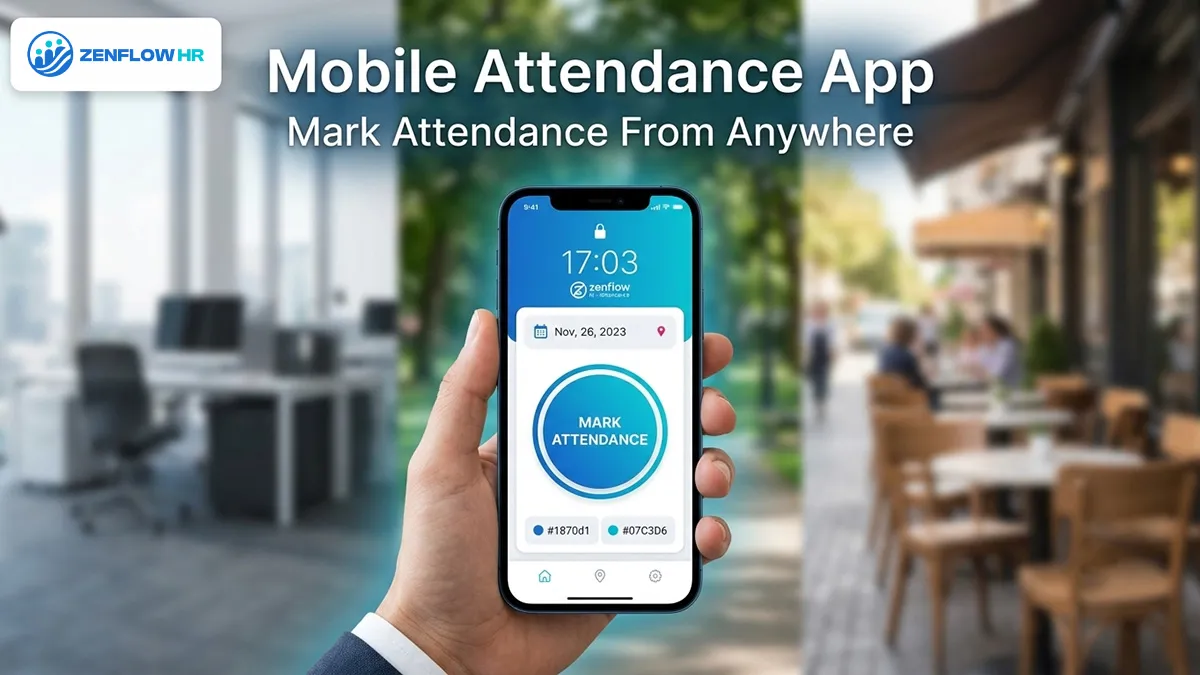
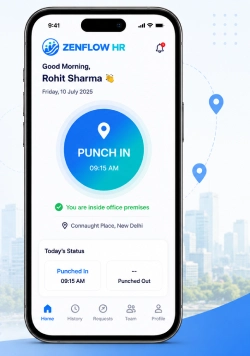
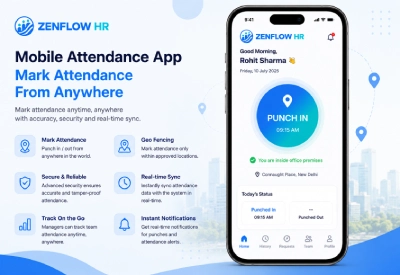
Not every employee sits at a desk. With the ZenFlowHR mobile attendance app, employees clock in from their phone with GPS location and a selfie. HR can review every attendance selfie by date, branch and employee. No extra hardware and no proxy attendance.
Office, Home and Off Site Attendance With Geofencing
Choose where each team can mark attendance from. Allow office attendance from approved office locations, home attendance from a registered home address, and off site attendance from client sites you set up. Employees can clock in only from inside an allowed site. For teams that work on the road all day, add live location tracking.
Web Punch In for Office Employees
Employees who work on a laptop or desktop can clock in with one click from any browser. Add your office IP addresses to each branch, and web clock in will work only from your office network. Easy for employees and fully controlled by HR.
Attendance Settings That Roll Out Instantly
Turn mobile and web clock in on or off, choose allowed work modes, and close open records automatically at shift end with auto clock out. Any missing clock out is flagged for regularization. Changes reach every employee device the moment you save.
Biometric Attendance Integration
Already using biometric machines in your office or factory? Our team connects your existing devices to ZenFlowHR, and punch data flows into one attendance dashboard with no manual export. HR can also see any punch that did not become attendance, along with the reason.
One Live Dashboard for Every Branch
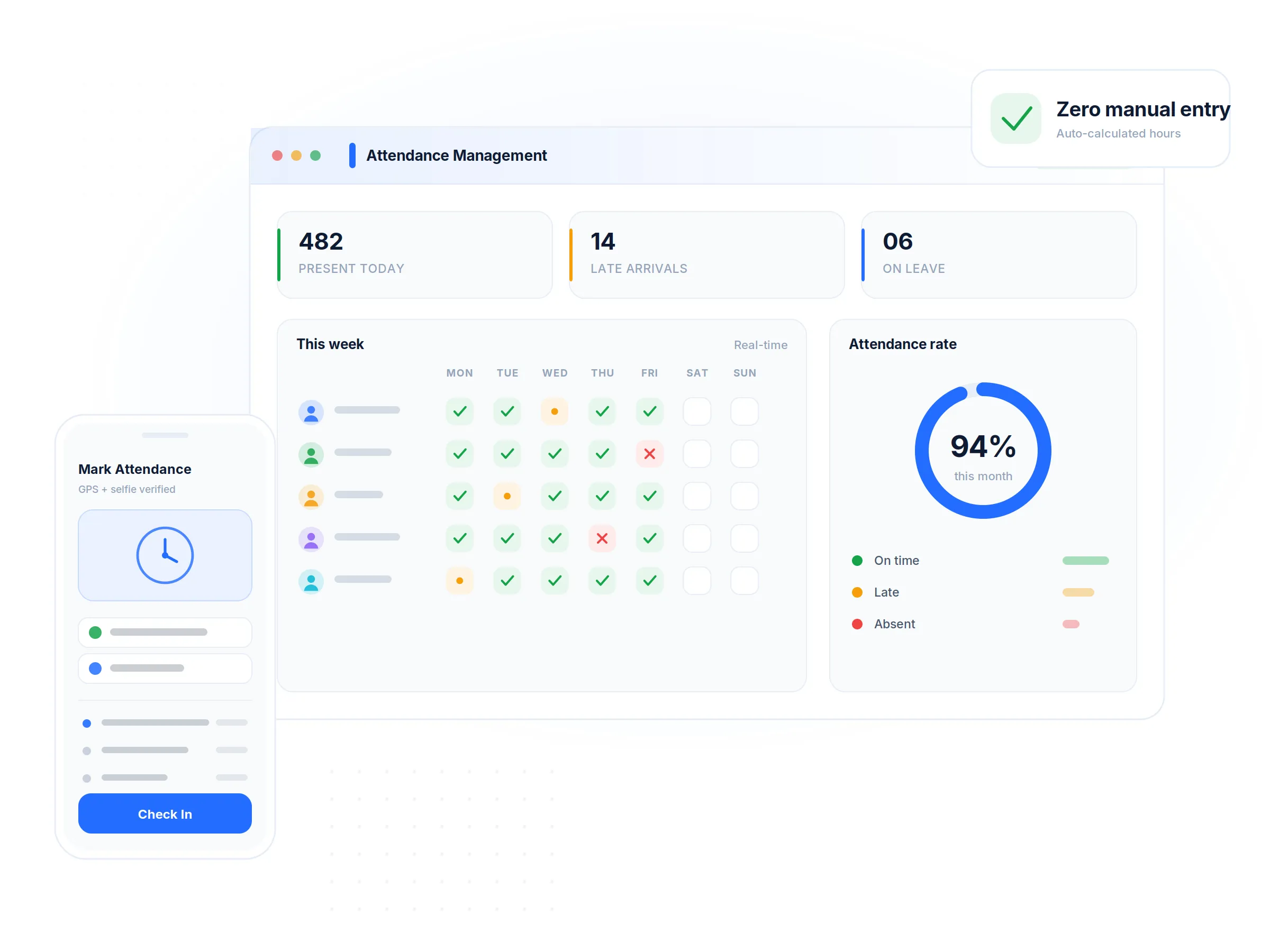
See who is present, not in yet, absent, late or on leave right now, across every branch. Switch between branches in one click, and each branch keeps its own office IP list while HR sees everything in one place.
Shift Schedule for Every Employee
Every employee can see their own shift schedule with working days, days off, night shifts and one day changes in one view. No more asking HR which shift is next week.
Monthly Roster for Office, Home and Field Work
Stop sharing rosters on WhatsApp. Plan the month for your whole team and see, day by day, who works from office, who works from home and who is on a field or client visit. Weekly offs and holidays show on the same calendar, and employees can request a change. Leave applied through leave management keeps the picture complete.
Automatic Late Marks and Attendance Regularization
ZenFlowHR marks late arrivals, early exits and missed punches based on the shift rules you set. If a punch is missed for a genuine reason, the employee raises a regularization request from the app and the manager approves it in one click. Every change is recorded with date and time.
Attendance Reports and Analytics
Find patterns early, such as frequent late arrivals or high absence in one department. Use ready reports for attendance records, attendance by day, late arrivals, employee summary and regularization requests. Choose columns, add filters, plot a chart and export to Excel or CSV.
Overtime Tracking Without Manual Calculation
Employees submit overtime with the date, minutes worked and reason. Managers approve it from one approval queue, and approved overtime flows into payroll with its rate. HR can download the overtime register for every pay cycle.
Built for Every Kind of Indian Business
| Business type | How ZenFlowHR helps |
| Manufacturing and factories | Biometric sync, shift schedules and overtime tracking |
| Field sales and logistics | Mobile attendance app, GPS, selfie and live location tracking |
| IT and corporate offices | Web clock in with office IP restriction and work from home |
| Retail and multi branch stores | Branch wise dashboard and monthly roster |
| Growing teams | Bulk attendance import from Excel and ready reports |
Still Tracking Attendance in Excel
Here Is What It Costs You
Hours Lost
Every month matching registers, biometric logs and Excel sheets by hand
Payroll Errors
When late marks, half days and overtime are calculated manually
No Live View
Of who is present, late or absent today
FAQ
Attendance Management System FAQs
Answers to common questions about tracking employee attendance with ZenFlowHR
An attendance management system records when employees start and finish work and turns that into working hours, late marks and absences. Employees clock in through a mobile app, a web browser or a biometric device, and all punches flow into one dashboard. ZenFlowHR does these calculations automatically, so HR does not have to maintain registers or Excel sheets.
ZenFlowHR covers mobile attendance with GPS and selfie, web clock in with office IP restriction, office, home and off site work modes, biometric integration, shift schedules, a monthly roster, late marks, attendance regularization, overtime requests, Excel import and reports. It works for office, field, factory and remote teams, and you do not need an IT team to set it up.
Yes. Our team connects the biometric devices you already use, and punch data flows into the attendance dashboard with no manual export or upload. HR can also see any punch that did not become attendance, and why.
Yes. Each employee sees their own schedule with working days, days off, night shifts and any one day changes, so everyone knows when they are expected at work.
Let each employee clock in the way that suits their work. Office staff use web clock in, field staff use the mobile app and factory staff use biometric devices. ZenFlowHR brings every punch into one live dashboard where hours, late marks and absences are calculated for you.
Use a mobile attendance app that records where and when the employee clocked in. In ZenFlowHR, field and remote staff clock in from their phone with GPS and a selfie, and off site sites can limit check ins to approved locations. For field teams, live location tracking records location at regular intervals while they are clocked in.
Geofencing creates a virtual boundary around a location such as an office, a home address or a client site. Employees can mark attendance only when they are inside that boundary. In ZenFlowHR you choose which work modes each team can use, office, home or off site, and set up the allowed sites.
Link every punch to something only the employee has. ZenFlowHR uses GPS location and a selfie for mobile clock in, allowed sites to limit where attendance can be marked, and office IP restriction for web clock in. HR can review attendance selfies at any time.
Overtime is the time an employee works beyond their shift or standard hours. In ZenFlowHR the employee submits the date, minutes and reason, the manager approves it from the approval queue, and approved overtime is included in payroll. HR can download the overtime register for every pay cycle.
Attendance regularization means correcting a genuine attendance issue such as a missed punch or a late arrival with a valid reason. ZenFlowHR flags these cases automatically based on your shift rules. The employee raises a request from the app and the manager approves or rejects it in one click.
Yes. Upload an Excel or CSV file with one row per employee per day, or a monthly status grid. ZenFlowHR maps the columns, checks every row for errors and then imports the attendance.
Yes. Turn office, home and off site attendance on or off, and turn mobile and web clock in on or off. Changes reach every employee device as soon as you save.
ZenFlowHR shows attendance from every branch in one live dashboard. Each branch has its own office IP list, and HR can filter attendance and reports by branch and department.
Yes. ZenFlowHR is built for Indian small and growing businesses. Teams of up to 10 employees can start on the free plan, and attendance management is included from the Starter plan.
START TRACKING ATTENDANCE THE EASY WAY
Go Live in Under an Hour With No IT Team Needed
Set up your branches and attendance settings, invite your team, and start tracking attendance today.