Manage Leave Flawless
LEAVE MANAGEMENT SYSTEM
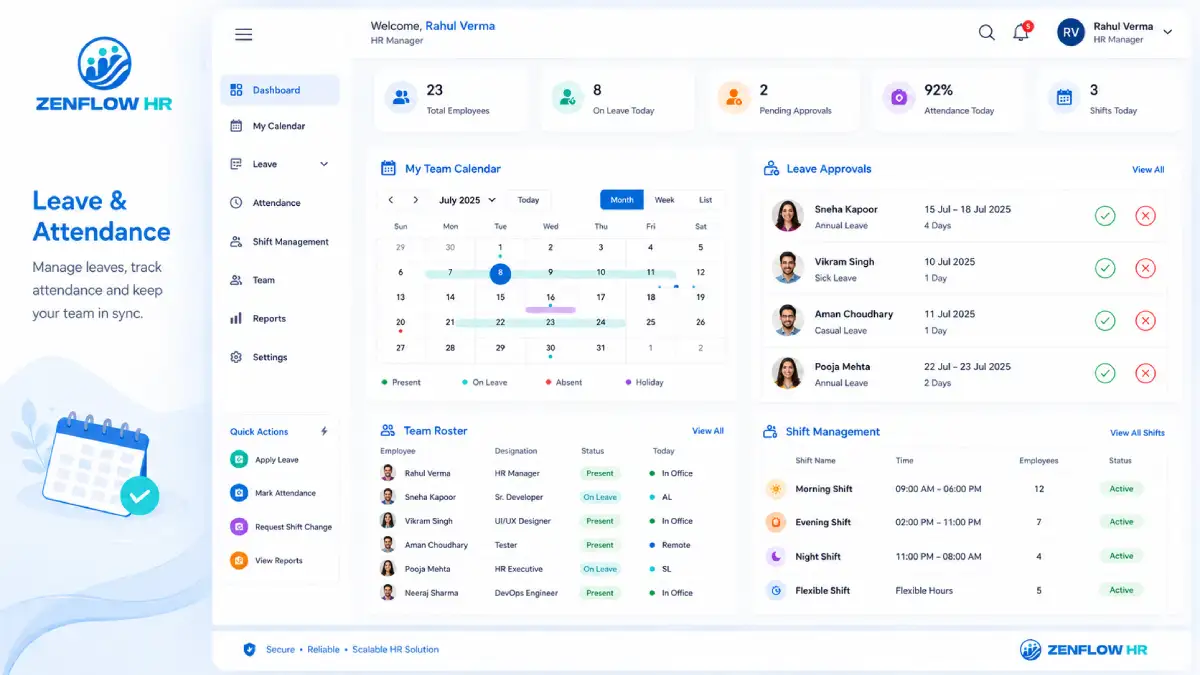
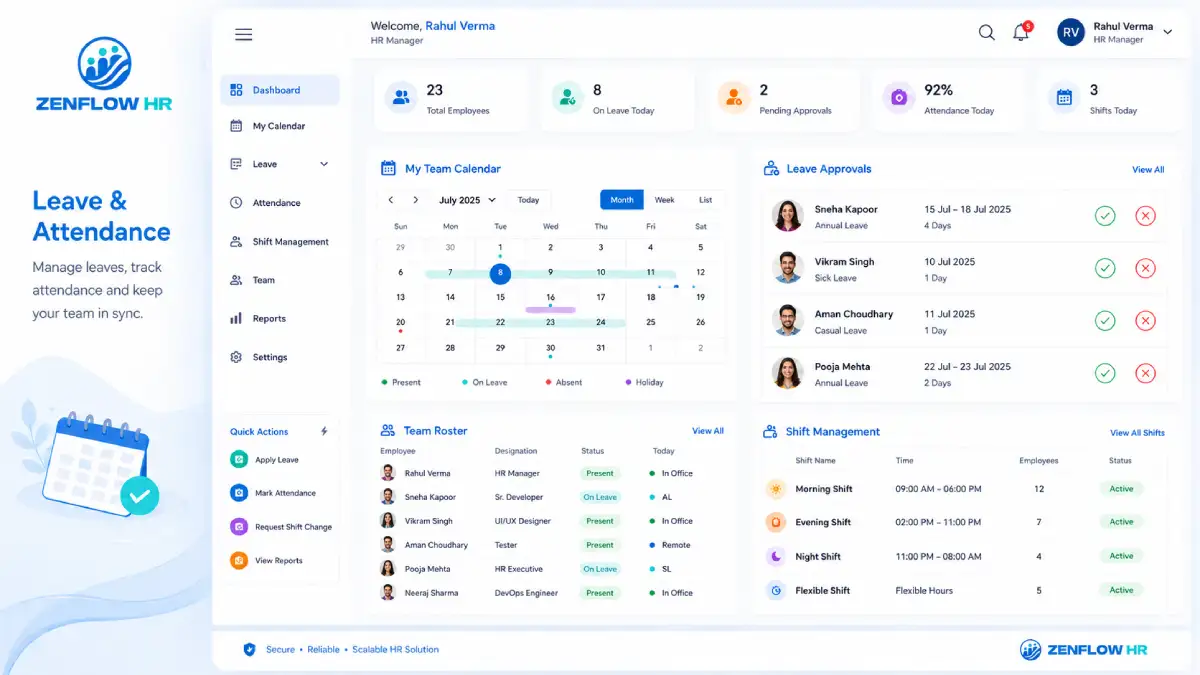
Configure every leave type your company runs, let ZenflowHR calculate accruals and balances automatically, and clear requests from a single approvals queue- swipe to approve on mobile, action from the dashboard on web. Employees see live balances. HR gets a clean leave register.
Features of Employee Leave Management Software
Every Leave Type. Every Rule. One System.
What is ZenflowHR Leave Management?
Leave Management System in ZenflowHR automates leave for businesses where HR defines leave types with their own accrual, carry-forward, and encashment rules; the system tracks each employee's balance in a real-time ledger; requests route through a multi-level approval queue that managers clear from web or mobile; and monthly LOP and encashment data exports as a payroll-ready CSV. Employees apply and check balances from a web or mobile self-service portal.
Set Up Leave the Way Your Company Actually Runs
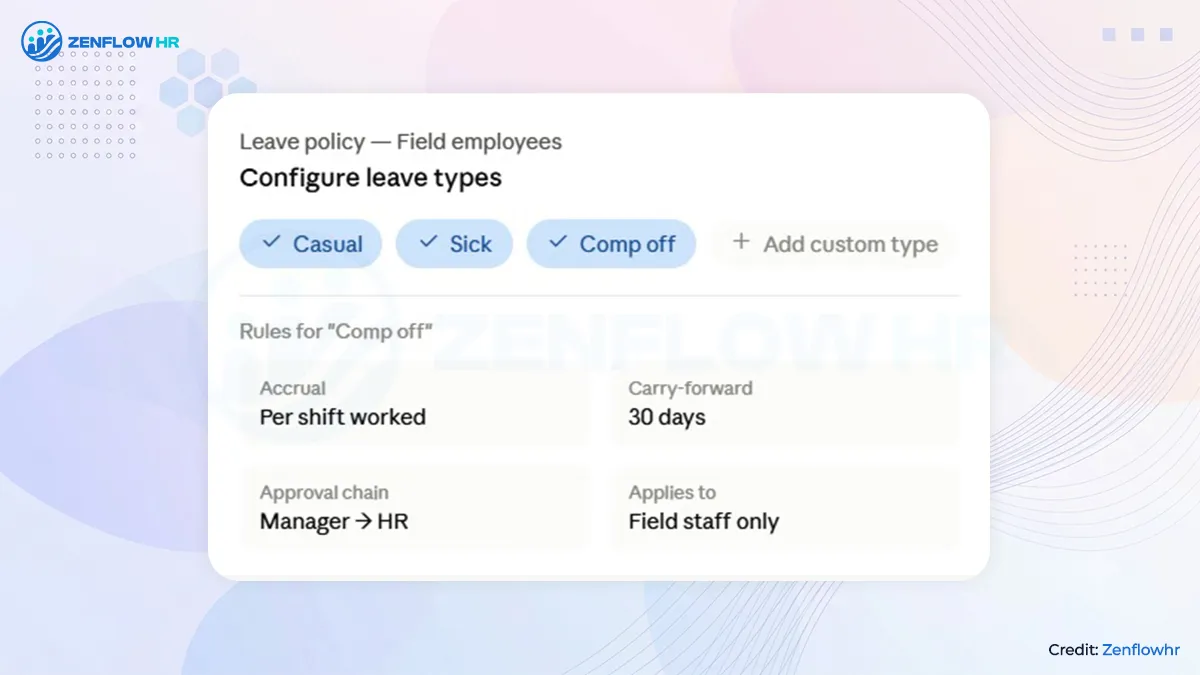
Casual, Sick, Earned, Comp Off, LOP, WFH, Maternity, Paternity, Half-Day, or any custom type-each with its own accrual rules, carry-forward caps, encashment limits, and approval chain. And because one policy never fits every team, office staff, factory workers, field employees, and remote teams can each run on their own leave policy, all configured from one dashboard and applied per department or branch. One size never fits. ZenflowHR doesn't force it to.
One Approvals Queue-Swipe to Approve From Anywhere
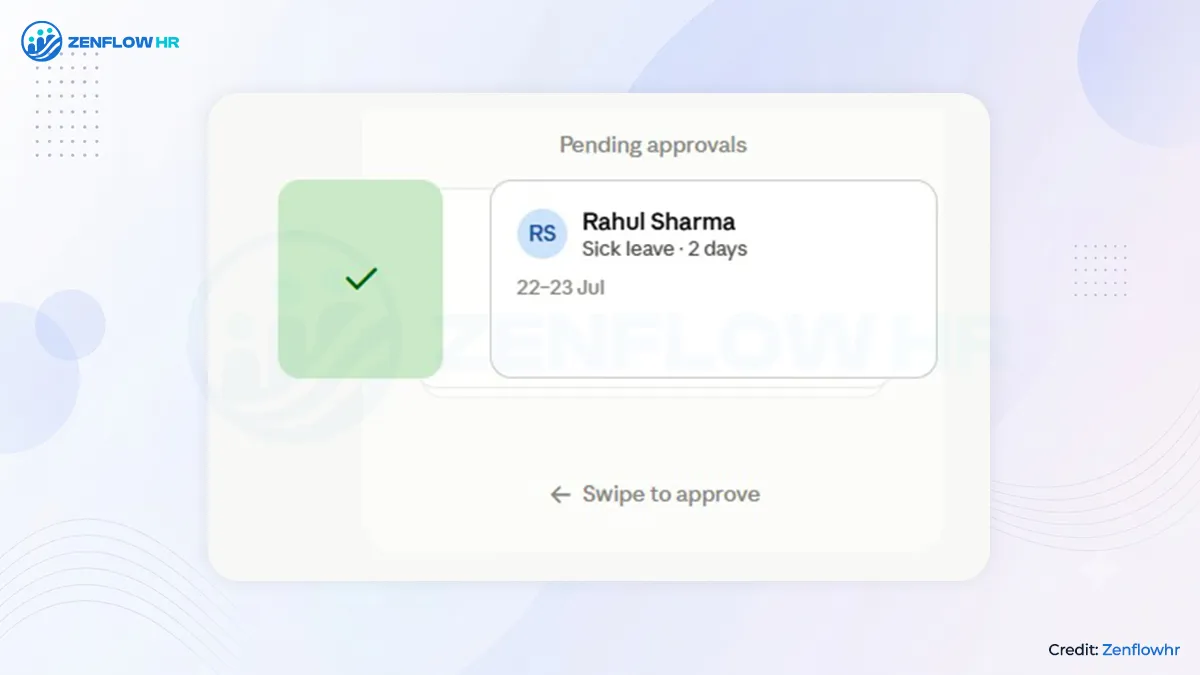
Every leave request lands in the approver's Pending Approvals queue on web and mobile. Managers swipe to approve or reject on their phone, or clear the whole queue from the dashboard in seconds. Multi-level chains route each request through the right people- manager, department head, HR-exactly as your reporting lines run. Every decision is timestamped and logged.
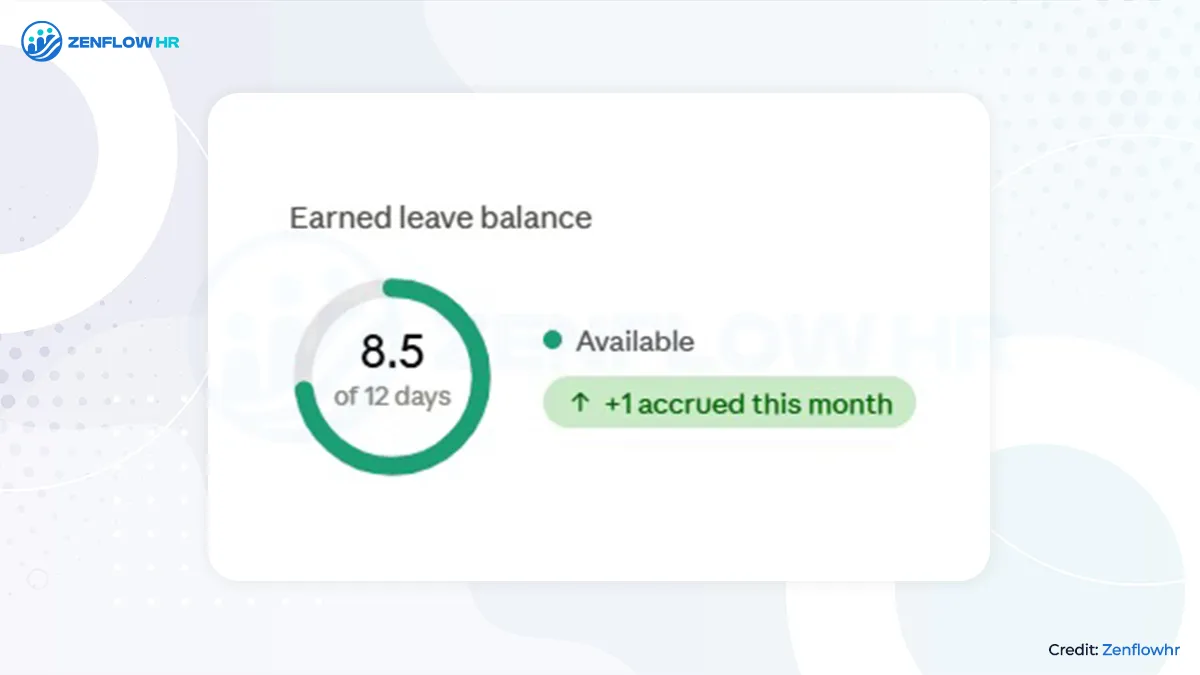
Automatic Leave Balances-No More Manual Math
Every accrual credits the balance, every approved leave debits it, and carry-forward and encashment apply at year-end automatically-so employees always see the right number and HR never reconciles a spreadsheet again. Your team applies for leave, checks their balance, and tracks request status straight from the web portal or mobile app. No forms. No "what's my balance?" messages. Your HR inbox stays empty.
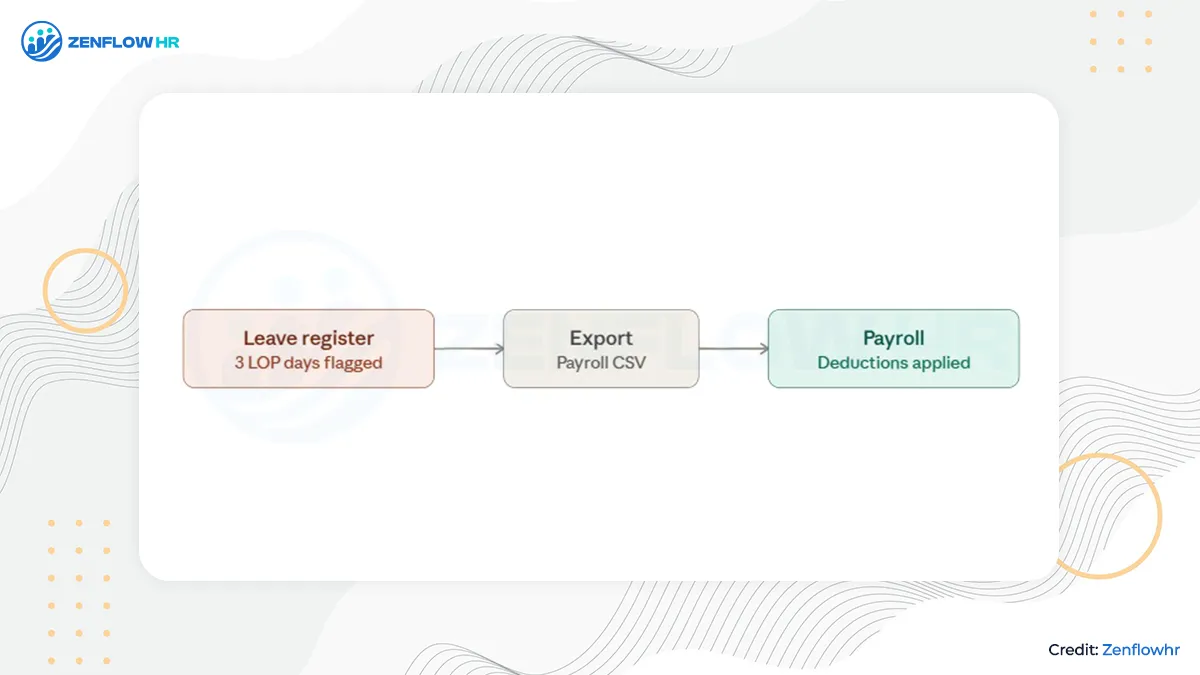
From LOP to Payroll, Without a Spreadsheet
Track Comp Off and Loss of Pay against your policy and flags LOP days automatically for deduction. Pull a live leave register or per-employee balance and LOP reports whenever you need them, filtered by department or location. Then, at month-end, export a payroll-input CSV in standard format. Keep your existing payroll, feed it clean data, and close the month without rebuilding a single sheet.
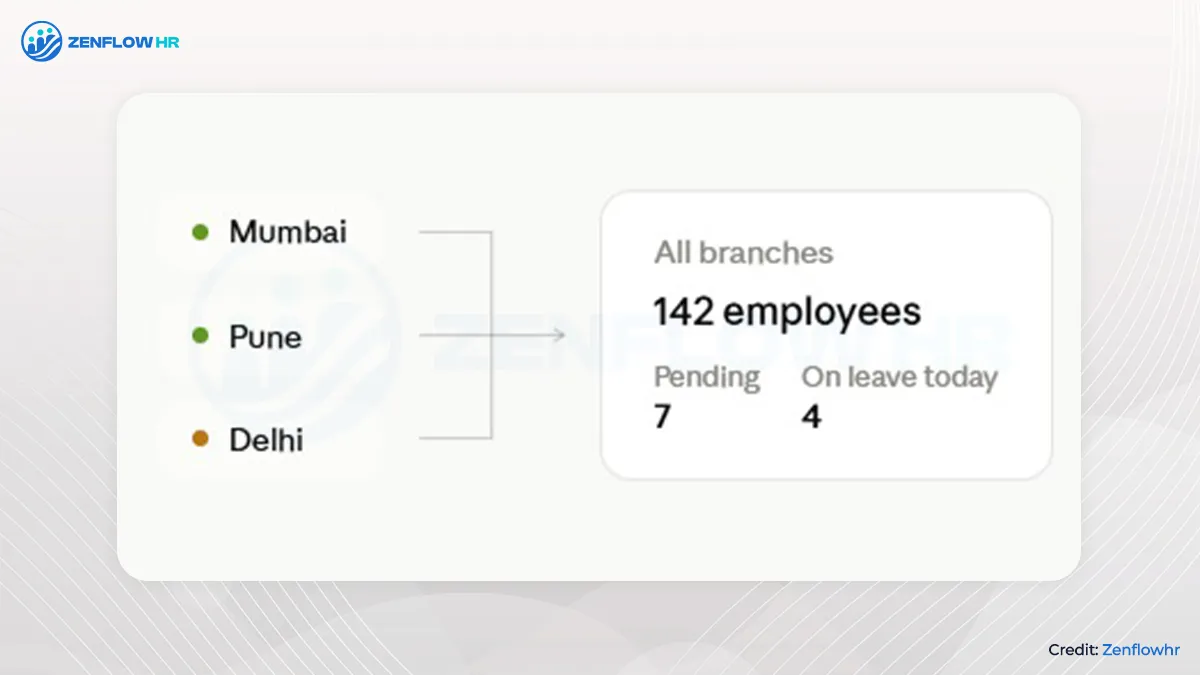
One Dashboard- For All Branch
Running HR across three branches or five locations? Create separate leave policies for each, then rolls every request and balance into one central dashboard. One login. Complete visibility. No switching between tools.
Leave Management Software That Works Across Various Sectors
| Business Type | What ZenflowHR Solves |
| Manufacturing & Factory | Comp Off + LOP tracking + shift-aware leave |
| Field Sales & Logistics | Mobile leave application + live balance visibility |
| IT & Knowledge Offices | Flexi leave policies + WFH + employee self-service |
| Retail & Multi-branch | Per-branch policies + consolidated dashboard |
| Group Companies & Holding Firms | Separate policies per branch + one central view |
FAQs for Leave Management System
Every leave request lands in the manager's Pending Approvals queue on the web dashboard and the mobile app. On mobile, they swipe to approve or reject; on web, they clear the queue in seconds. Requests follow a configurable multi-level chain, and every action is timestamped and recorded.
Yes, with ZenflowHR Software, it is very easy to set custom leave types and rules as it supports every standard Indian leave type plus custom types, and each carries its own rule set- accrual frequency, entitlement, carry-forward cap, encashment eligibility, and approval chain.
Most companies offer a mix of statutory and policy-based leave: Casual Leave (CL) for short personal absences, Sick Leave (SL) for illness, and Earned or Privilege Leave (EL/PL) that accrues over time and can be carried forward or encashed. On top of these sit Maternity and Paternity leave, Compensatory Off (Comp Off) for working on a holiday or weekly-off, Work From Home (WFH), Half-Day, and Loss of Pay (LOP) when no balance is left. The exact mix and rules vary by company, state, and industry. ZenflowHR comes with all of these built in and lets you add any custom type each with its own accrual, carry-forward, encashment, and approval rules.
The reliable way is to move off registers and Excel onto a system that maintains a running balance for every employee: each leave type accrues on a set schedule, every approved request is deducted automatically, and the balance stays visible to both HR and the employee in real time. That removes manual tallying and the errors that turn into payroll disputes.
In ZenflowHR, there is a live balance ledger- accruals credit it, approved leave debits it, and carry-forward and encashment apply automatically at year-end, so no one ever recalculates a spreadsheet.
Start by deciding who approves what: map approvals to your reporting lines, choose whether a request needs one approver or several- for example, manager, then department head, then HR and set different chains for different leave types or grades where needed. A good process also keeps every request in one place so nothing gets lost in email or chat, and logs each decision for audit. ZenflowHR lets you configure exactly this: multi-level approval chains per leave type, department, or grade, with every request landing in a single Pending Approvals queue that managers clear from the web dashboard or by swiping on mobile- each action timestamped.
Leave balance is your opening balance, plus accruals earned, minus leave taken, adjusted for carry-forward limits and any year-end encashment. Accrual can be monthly, quarterly, or annual, and is usually pro-rated for employees who join mid-year. ZenflowHR runs this calculation automatically for every leave type, applies your carry-forward caps and expiry, and shows employees their current, consumed, and available days at any time.
Compensatory Off (Comp Off) is time off granted when an employee works on a weekly-off or public holiday, given in place of extra pay. Companies usually set an expiry window so the credit is used within a defined period rather than piling up. ZenflowHR tracks Comp Off against your policy and applies it like any other leave type, with its own approval and expiry rules.
Loss of Pay applies when an employee takes leave with no remaining balance- those days are unpaid and must be deducted in payroll. Tracking LOP by hand is where many payroll disputes begin. ZenflowHR flags LOP days automatically and includes them in the monthly payroll export, so the deduction reaches payroll accurately without any manual counting.
Yes. ZenflowHR is mobile-first, on iOS and Android. Employees apply for leave, pick dates, see their live balance before submitting, and track request status from the app or the web portal. Managers approve or reject from the same app by swiping through their Pending Approvals queue.
Multi-location businesses usually need different leave policies per branch while still seeing everything in one place. ZenflowHR runs separate leave policies for each branch and rolls every request and balance into one central dashboard- one login, complete visibility, and no switching between tools.